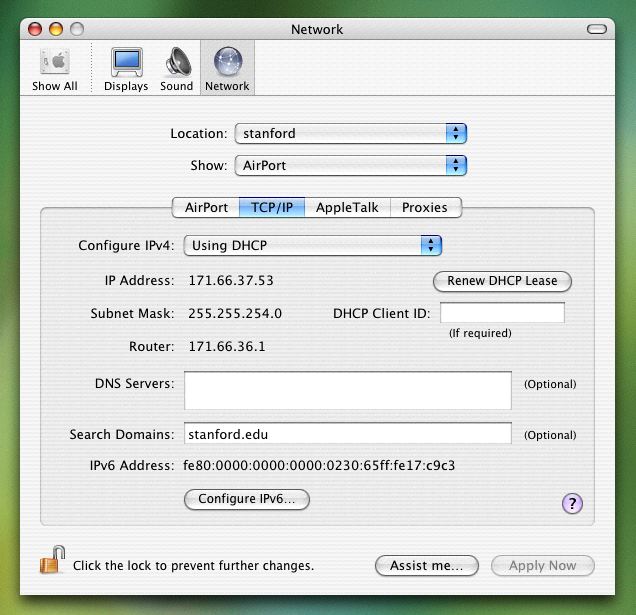
If you are currently connected to the internet wirelessly, then the colored dot next to "Airport" should be green. Select "Airport" and then click the "Configure..." button.
Make sure the Airport tab is selected. If it is, then the MAC address of your Airport card should be displayed (It's listed as your "Airport ID").
Click on the TCP/IP tab to display your IP number.