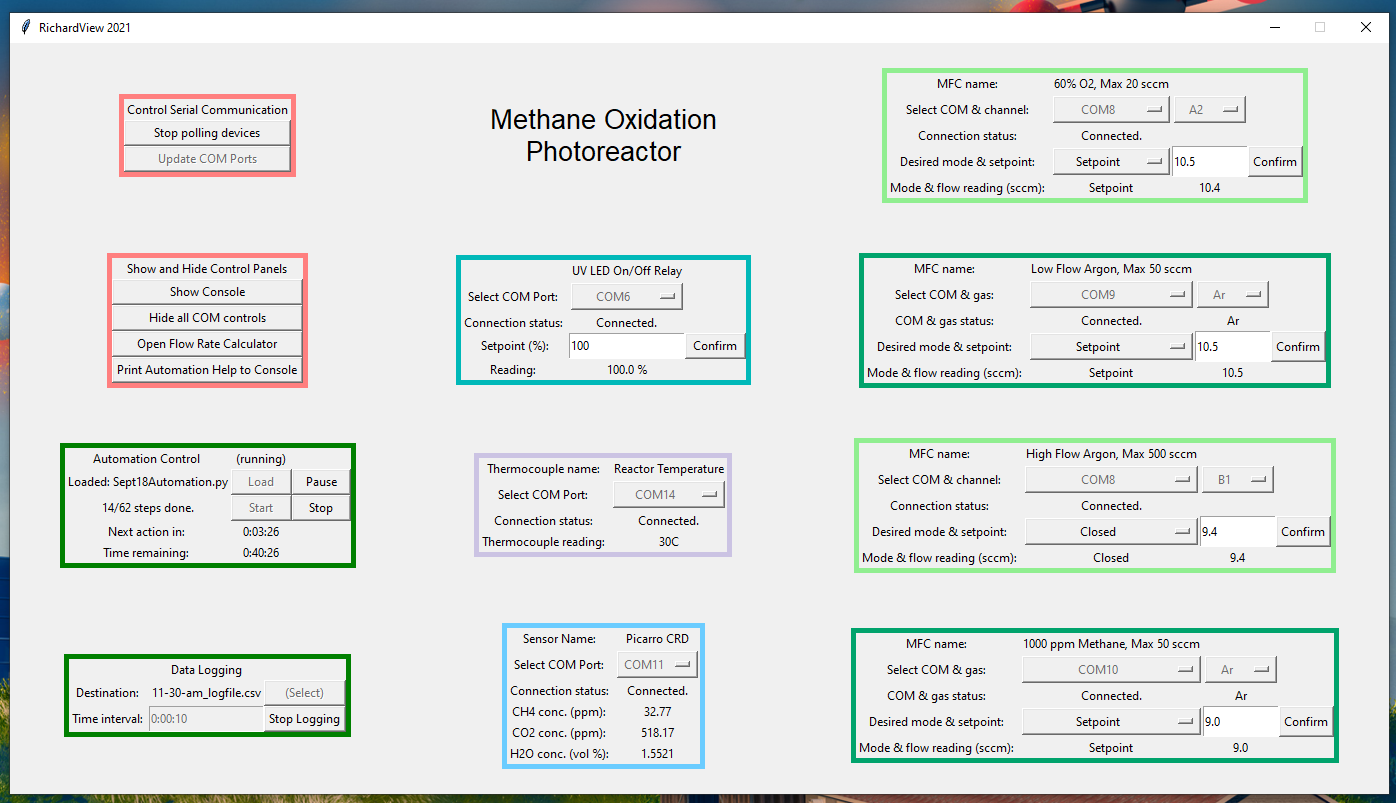
Many workflows in my research involve running long experiments on chemical reactors with a mixture of instruments controlled by hand and by a variety of manufacturer-specific computer programs. These workflows are often long and tedious due to their lack of automation, and the programs generate disparate log files that are difficult to fuse together to analyze the results of an experiment. LabVIEW and other programs attempt to address this, but due to the expense of licenses and of certified programmers, few academic labs actually use them, creating an opening for an alternative solution.
During my PhD, I've developed an open-source Python package called PyOpticon to meet these needs. The idea was to provide a tool that offers some of the basic functionality of software like LabVIEW, but that is 1) free and 2) intuitive for researchers with a coding background in Python or other modern languages. This fills a niche for academic researchers, especially grad students, who want the labor-saving benefits of a good lab control system but don't have the money for commercial control solutions (or who reconfigure their experimental setups too frequently for a commercial solution to be worthwhile).
As a brief summary, PyOpticon's basic function is to build 'dashboards' that provide graphical user interfaces for all kinds of physical devices that communicate with a desktop computer via serial connections. Dashboards consist of multiple 'widgets' representing individual devices and are configured in a .py file. Some widgets are included with the package, some widgets can be obtained from other PyOpticon users, and new widgets (for devices never before used with PyOpticon) are easy to write with the tools included in the packages. The complete state of every widget in the dashboard can be automatically logged to a .csv file at regular intervals, fusing an entire setup's results into one file. Devices can be manually commanded via the graphical interface or automatically commanded using built-in Python scripting tools.
PyOpticon has progressed through several iterations and is now available online. It can be downloaded from Github or PyPI. Thorough documentation and tutorials are available on ReadTheDocs. A paper describing PyOpticon in more detail is also forthcoming.