Plan for Today
- Last time, we learned about if statements, a way to conditionally apply operations.
- Now, we're going to experiment with if statements by creating an edge detection filter and continuing our discussion of green screen.
Edge Detection
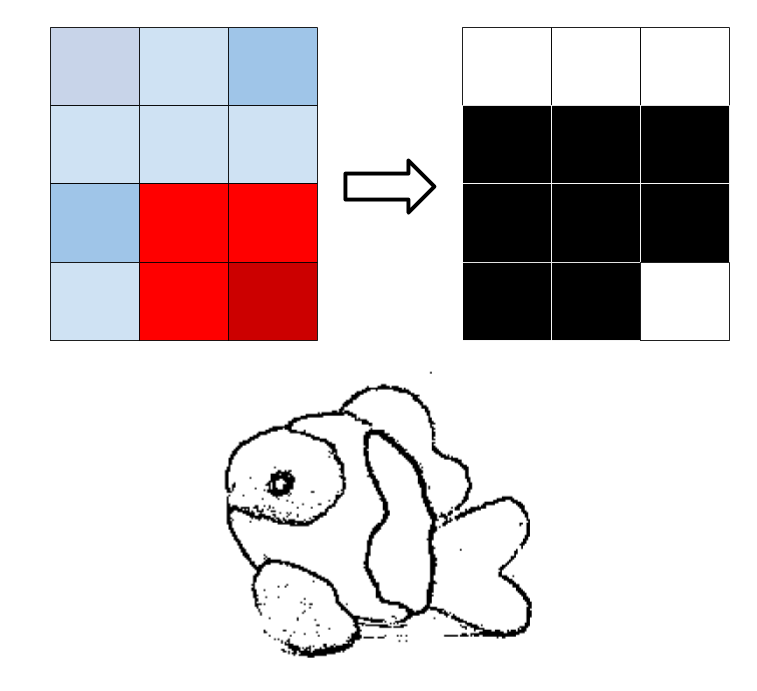
- Idea: Want to make a black-and-white image where the "edges" in the original image are now black
- Edge: A pixel is sufficiently different from at least one of its neighbors
- What building blocks can help us?
Edge Detection Pseudocode
for every pixel in the image:
  make the pixel white
  look at its neighbors
  if any of the neighbors are "far away" from the pixel:
    make the pixel black
Writing Edge Detection
Recall: Green Screen
- Idea: if a pixel is "close" in color to our target color, replace it with the corresponding pixel in the other image
- Idea: we can replace a pixel with another pixel by setting the original's red, green, and blue to be the same as those of the new pixel
Recall: Green Screen Code
"Faded" Green Screen
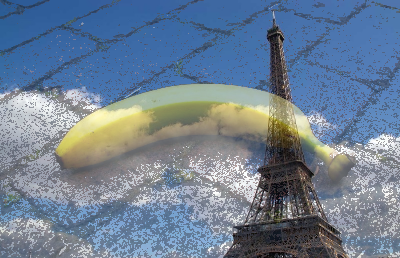
Idea: instead of using the original pixel values, can blend them with background
Writing Faded Green Screen
Green Screen: Multiple Passes
Write code to replace the red stop sign with leaves, and the blue sky with yosemite
Recap
Today, we learned more complicated methods for editing images, seeing the power of if statements and for loops. Next time, we'll move away from images and manipulate other kinds of data.