Plan for Today
- Feedback
- Paper instructions
- How the internet works (how computers communicate and are connected):
- Abstraction
- Protocols (rules) for communication
Course Feedback
- Thank you to everyone for filling out the course feedback
- Homeworks:
- Goal of this class is technical literacy - Googling and reading technical articles is a big part of the homework for that reason
- General feedback was that homeworks take about 2-5 hours per week; if you're spending longer, please come talk to us during office hours (or email us to make an appointment)
- Will expand lecture slides with some more information
- Will go over common misconceptions in homework
- Please continue to give us feedback!
- I know this is a challenging class - keep up the great work!
Paper
- Information here
- Goal: demonstrate understanding of technical problems in society
- Goal: read and understand technical articles (at the level of WIRED, not research papers)
- Goal: weigh the advantages and disadvantages of new technology
- A fun series of comics that you might want to keep in mind as you write your paper
What is the Internet?
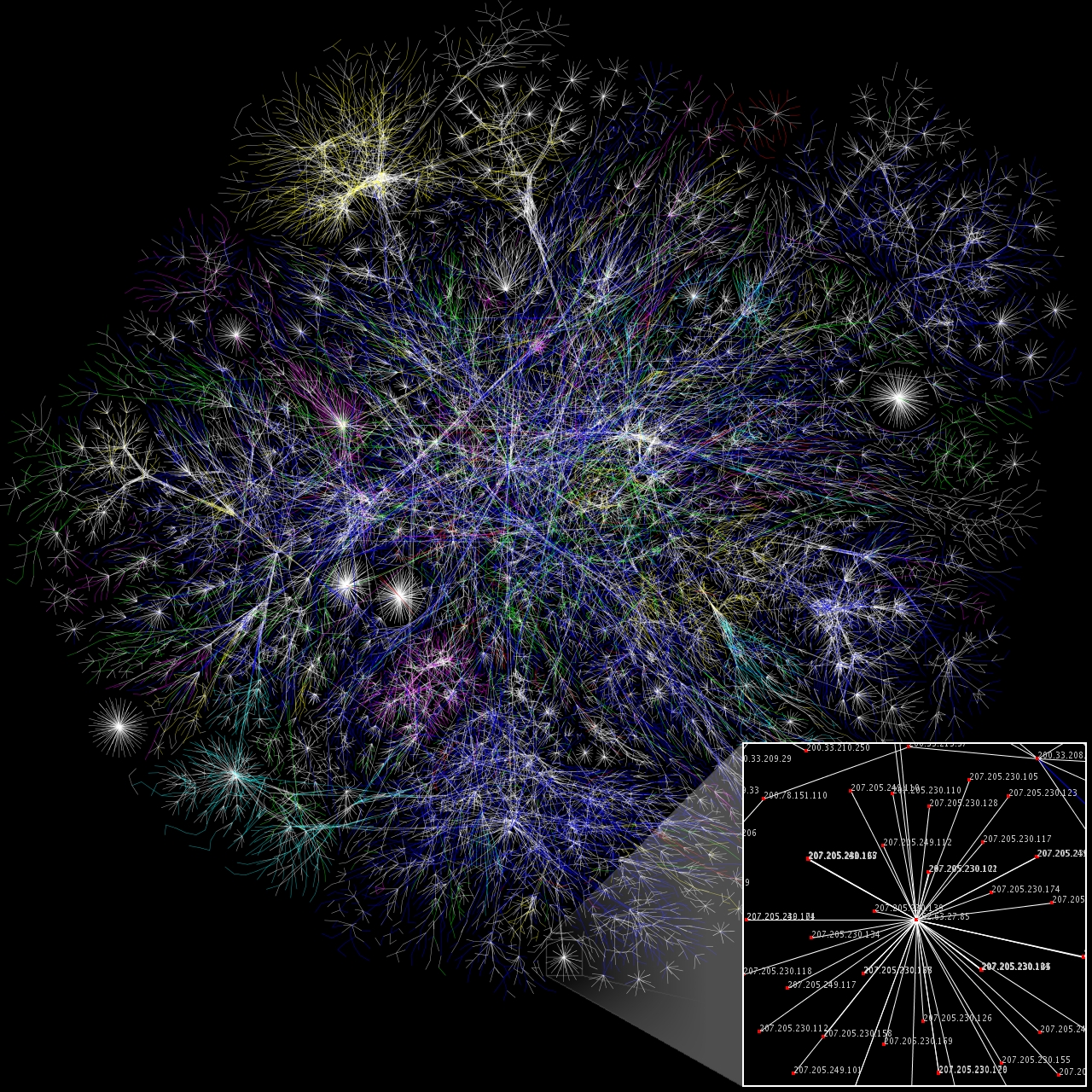
- A global system of computers connected together
- A network of networks!
- Designed to be redundant - can reach a computer through multiple paths
- Hierarchical - organized into ever smaller groups (like mail addresses)
- IP address - each computer has its own
- Domain name - human-readable address for computers
- Internet allows computers to send information (bytes) to each other through IP addresses
Routers
- Each router is a gateway: connects one network to another
- LAN: Local Area Network
- Home router connects your LAN to the Internet Service Provider (ISP)
- Computers are connected on the internet through a sequence of routers (some for small areas, like LANs, others for larger areas)
Client-Server Model:
Loading a website
- Ask for a webpage (with a URL)
- Your computer (client) asks another computer at that url (server) for the information (request)
- Request is sent to the server through a sequence of routers
- Server decodes the request, sends back the information (response)
- Client interprets the response
Accessing Information: URLs
- Uniform Resource Locator (URL)
- Protocol (rules for the information) (http)
- Domain name (gets converted to an IP address) via a Domain Name Server (DNS)
- Information about the file on that computer
TCP/IP Protocol
- Rules for sending information between computers
- Developed by the Department of Defense, used by everyone
- Four layers of abstraction (most to least abstract)
- Application Protocol
- Transmission Control Protocol
- Internet Protocol
- Link Layer
Application Protocol
- Standardizes how different types of data (e.g. files, emails, http) are interpreted
- Way of interpreting the bits of data sent from one computer to another
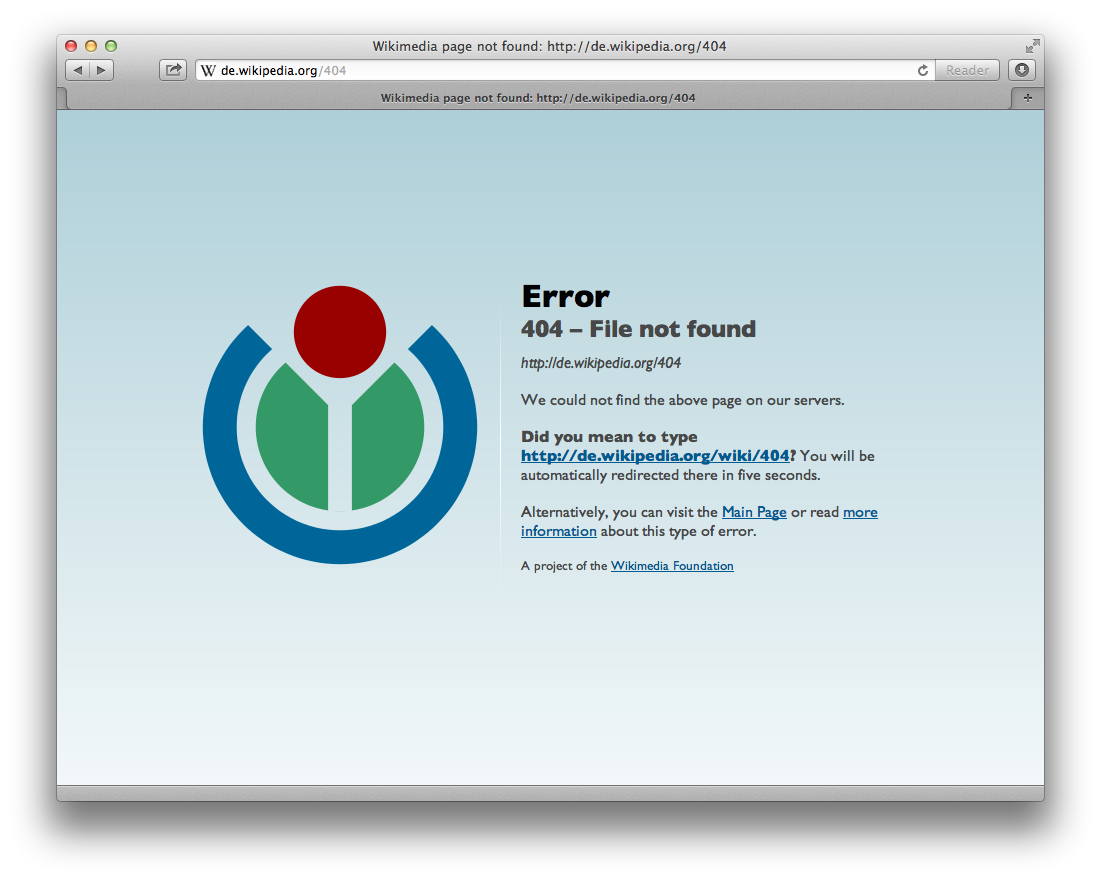
- Http response codes
- 200s: all is good
- 400s: client errors
- 500s: server errors
Transmission Control Protocol (TCP)
- Separates the information into chunks (packets)
- Sends packets to receiver
- Reassembles the packets into the full request/response
- Figures out if packets are missing (checksum)
- Reorders packets
- Responsible for ensuring the information is complete and correct
Internet Protocol (IP)
- XX.XX.XX.XX (each XX is a byte) - you can Google for your IP address
- First byte is large area, and so on (hierarchical)
- Determines the path to send the packets (the next router to send to)
- Protocol for IP addresses
- "Traceroute" example
- Expanding to IPv6 (6 bytes of addresses instead of 4)
- Also includes Domain Name Servers (DNS)
- Convert from domains to IP addresses
- Internet Service Provider has DNS servers
- Kept up to date as IP addresses can change
Link Layer
- Converts between binary and network signals
- Wired uses Ethernet protocol
- Signals sent via voltages in a wire
- Wireless uses Wi-Fi protocol
- Signals sent via amplitude modulation of radio waves (like AM radio)
- Handles communication to/from router
- Note: packets are sent to every computer on the LAN at once
- Computers figure out which to listen to and which to ignore
Recap
- Recurring theme: abstraction (domain names and TCP/IP protocol)
- Internet is a connection of computers through routers
- Protocols define how computers interact with each other
Announcements
- Midterm grades are released on Gradescope. You should have gotten an email with the relevant statistics.
- Midterm solutions are at the front
- Remember: the class is curved
- 47+ is around an A range on the exam
- 35-47 is around a B range
- 20-35 is around a C range
- Midterm is only 25% of your grade (less than your homeworks)
Midterm: common errors
- Problem 1a: types of data includes strings, numbers, and images; not RAM or persistent storage, which are types of data storage
- Problem 4: spreadsheets