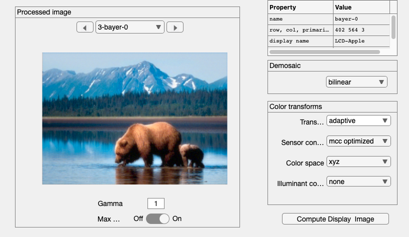
t_cameraBears
Illustration of how to use the camera object.  The cameraSet() command
is used to adjust the pixel same and optics f/# in this example.
This examples shows the Alaska bears scene with two different sets of
camera parameters.  The original image was taken by Dave Cardinal.
Copyright Imageval Consulting, LLC 2015
Contents
Start ISET
ieInit
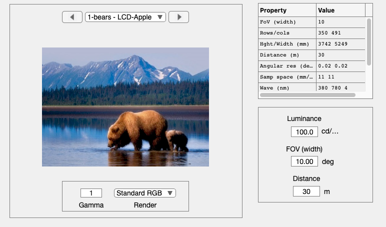
Import the scene
d = displayCreate('LCD-Apple');
scene = sceneFromFile('bears.png','rgb',[],d);
scene = sceneAdjustIlluminant(scene,'D65.mat');
scene = sceneAdjustLuminance(scene,100); % Outdoor level
scene = sceneSet(scene,'fov',10);        % 10 deg field of view
scene = sceneSet(scene,'distance',30);   % 30 meters away

ieAddObject(scene); sceneWindow;
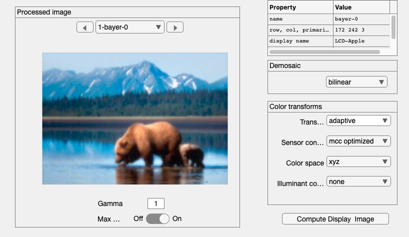
Low resolution shot
camera = cameraCreate;
camera = cameraSet(camera,'name','low res');
camera = cameraSet(camera,'ip name','low res');

camera = cameraCompute(camera,scene);

cameraWindow(camera,'ip');
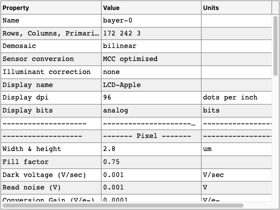
iePTable(camera);

ieAddObject(camera);   % Store the low res versions
Camera from default oi,sensor and ip
High resolution shot
% Bring down the aperture and shrink the pixel size
camera = cameraSet(camera,'optics fnumber',2);
camera = cameraSet(camera,'pixel size same fill factor',[1.2 1.2]*1e-6);
camera = cameraSet(camera,'name','high res');
camera = cameraSet(camera,'ip name','high res');

camera = cameraCompute(camera,scene);

iePTable(camera);
ieAddObject(camera);  % Store the high res versions
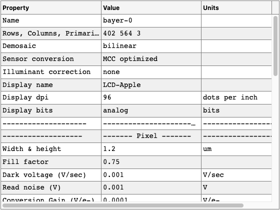
Try opening a window
ipWindow;
% oiWindow;
% sensorWindow;