t_cameraIntroduction
We are introducing a new object, the camera. The camera object is a structure that includes the oi, sensor, and ip objects.
The camera object allows the user to run calculate more efficiently than addressing each object separately. In the first part of this tutorial, we illustrate and compare the two ways of interacting: with the separate objects, individually or with the camera object.
This script explains the creation, set/get, and compute with the camera object.
Copyright Imageval Consulting, LLC, 2013
Contents
- Clean up the work space, if you like
- The camera object is created like all other ISET objects
- Compute the camera output for a scene
- Visualizing the camera objects
- Retrieving specific camera object data
- Setting the camera parameters
- Adjust the illuminant correction to gray world
- To speed up the calculation, start from the computed optical image.
- View the processing result
Clean up the work space, if you like
ieInit
The camera object is created like all other ISET objects
% When you create the camera, you are provided with a default set of
% parameters for the optics (oi), sensor, and image processing (ip)
% objects.  The camera object is a structure that includes the oi,
% sensor, and ip objects.
camera = cameraCreate;

% As we show below, it is also possible to create a camera from the
% currently selected oi, sensor, and ip objects.  That relies on the
% command cameraCreate('current'), which we illustrate below.
Camera from default oi,sensor and ip
Compute the camera output for a scene
% Create a simple scene
scene = sceneCreate;
scene = sceneSet(scene,'fov',8);

% Compute the camera output.  This combines the scene with the default
% camera that we created above.
camera = cameraCompute(camera,scene);

% Camera compute always adjusts the sensor size to make it match the field
% of view of the scene.  You are alerted to this by a warning.
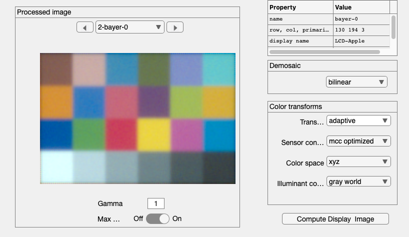
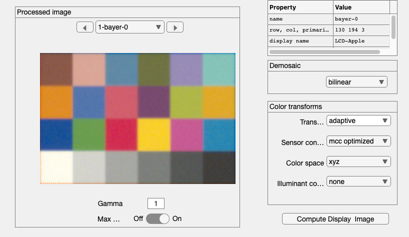
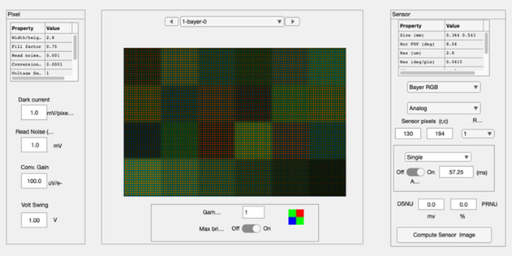
Visualizing the camera objects
% To see all of the objects and their parameters listed their windows, you
% can use
cameraWindow(camera,'oi');
cameraWindow(camera,'sensor');
cameraWindow(camera,'ip');

Retrieving specific camera object data
% There are two ways to retrieve data from the camera objects.  The slow
% but thorough way is to get the object and use the gets/sets and so forth
% specific to that object, such as
ip     = cameraGet(camera,'ip');
sRGB   = ipGet(ip,'data srgb');

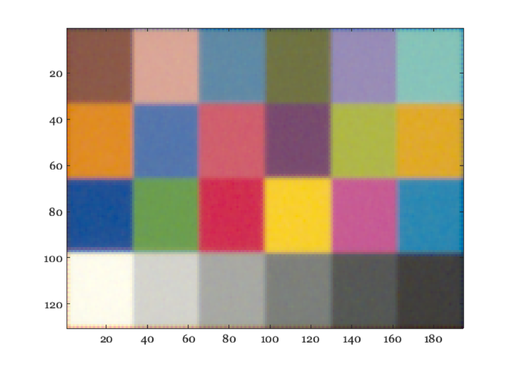
% Have a look at the data, rendered for an sRGB monitor
% Hopefully the one you are looking at is close to that.
vcNewGraphWin;
imagesc(sRGB);

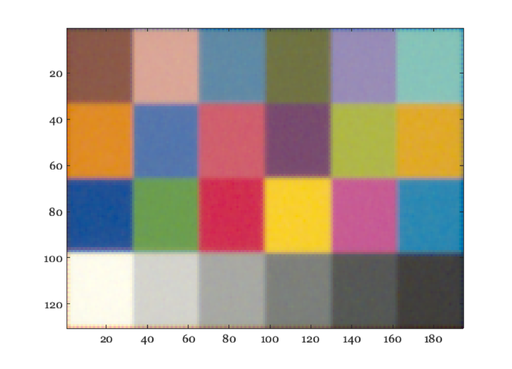
% A more efficient alternative way is get the data from the camera object.
% The code is shorter, but it may be less transparent for new users.
sRGB = cameraGet(camera,'ip data srgb');
vcNewGraphWin;
imagesc(sRGB);
Setting the camera parameters
% A detailed way to set the object properties, such as the optics fnumber,
% is to retrieve the object, the set property, and reattach the object.
% For example,

% Set the value
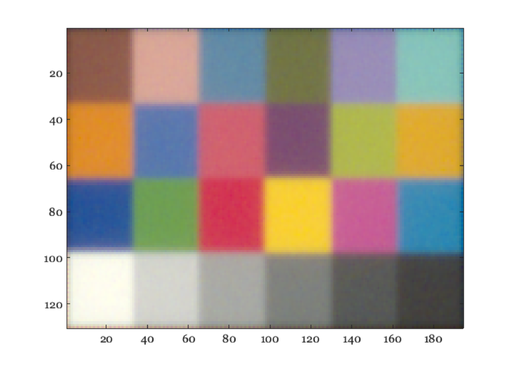
camera = cameraSet(camera,'optics fnumber',16);

% Compute, get the result, and show
camera = cameraCompute(camera,scene);

% Now get the image processor sRGB values and display them.
ip     = cameraGet(camera,'ip');
sRGB   = ipGet(ip,'data srgb');
ieNewGraphWin;
imagesc(sRGB);
Adjust the illuminant correction to gray world
% From here on out, we only illustrate the shorter list of commands based
% on the camera object.  In each case, it is possible to pull out the
% object and perform the actions on the object rather than through the
% camera.
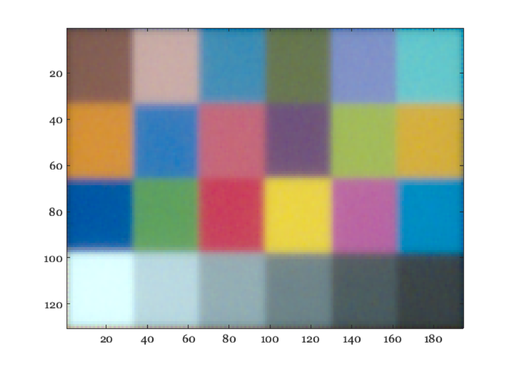
camera = cameraSet(camera,'ip illuminant correction method','gray world');
camera = cameraCompute(camera,scene);
sRGB   = cameraGet(camera,'ip data srgb');

% Have a look at the data, rendered for an sRGB monitor
ieNewGraphWin;
imagesc(sRGB);
To speed up the calculation, start from the computed optical image.
fprintf('The whole computation\n');
tic, cameraCompute(camera,scene); toc

fprintf('From the oi\n');
tic, cameraCompute(camera,'oi'); toc

fprintf('From the sensor\n');
tic, cameraCompute(camera,'sensor'); toc
The whole computation
Elapsed time is 0.753367 seconds.
From the oi
Elapsed time is 0.382514 seconds.
From the sensor
Elapsed time is 0.361212 seconds.
View the processing result
cameraWindow(camera,'ip');