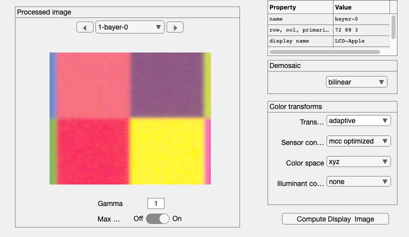
Draw some shapes (ROIs) on the main axes for ISET windows
The ROIs can be drawn and deleted. This is the beginning of building up ROI capabilities.
The key routines are in the gui/roi directory.
Wandell
Contents
ieInit
Create the baseline windows
scene = sceneCreate;
sceneWindow(scene);

oi  = oiCreate; oi = oiCompute(oi,scene);
oiWindow(oi);

sensor = sensorCreate; sensor = sensorCompute(sensor,oi);
sensorWindow(sensor);

ip = ipCreate; ip = ipCompute(ip,sensor);
ipWindow(ip);
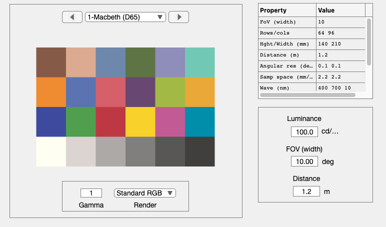
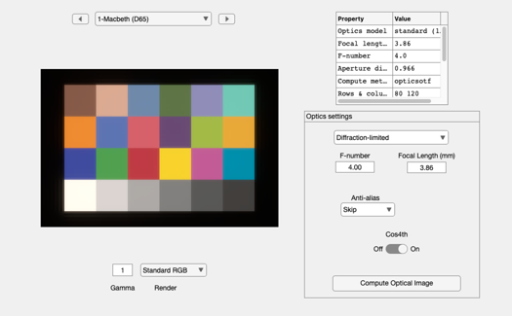
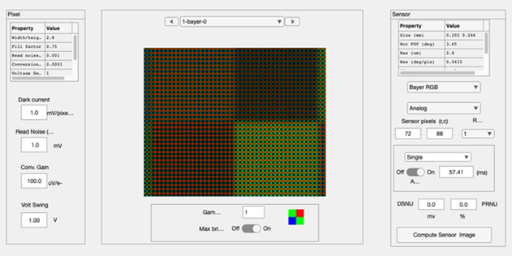
Rect on a scene
rect = [20 50 10 5];  % row, col, width, height
shapeHandle = ieROIDraw('scene','shape','rect','shape data',rect,'line width',5);
shapeHandle.LineStyle = ':';
pause(1);
delete(shapeHandle);
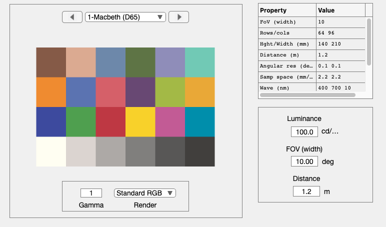
Rect on an oi
rect = [50 50 20 20];
shapeHandle = ieROIDraw('oi','shape','rect','shape data',rect);
shapeHandle.LineStyle = ':';
shapeHandle.EdgeColor = 'w';
pause(1)
delete(shapeHandle);
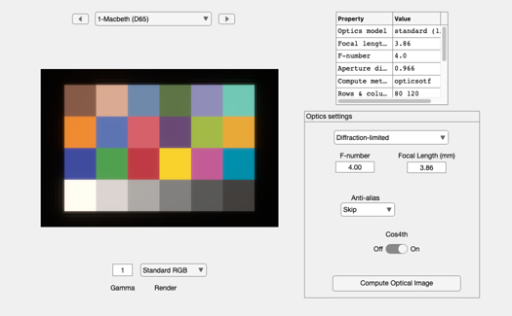
Circle on an oi
c = [15 30 20];   % Radius, row, col
shapeHandle = ieROIDraw('oi','shape','circle','shape data',c);
% shapeHandle.LineStyle = ':';
shapeHandle.Color = 'w';
pause(1)
delete(shapeHandle);
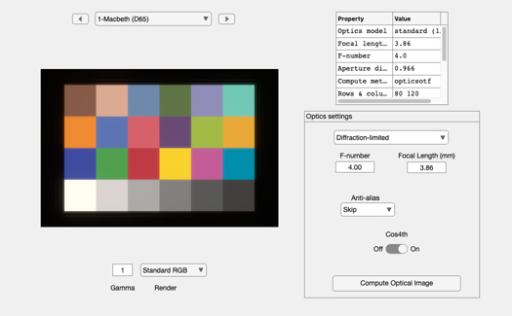
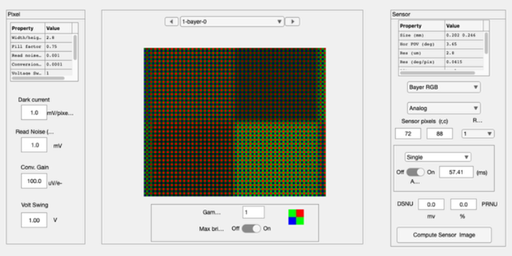
Circle on a sensor
c = [10 20 20];
shapeHandle = ieROIDraw('sensor','shape','circle','shape data',c);
shapeHandle.Color = 'w';
pause(1)
delete(shapeHandle);
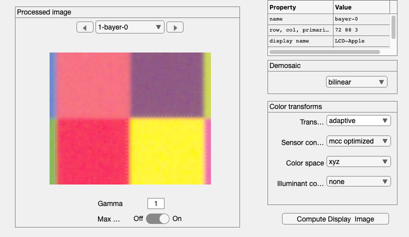
Rect on an IP
rect = [50 50 20 20];
[shapeHandle,ax] = ieROIDraw('ip','shape','rect','shape data',rect);
shapeHandle.EdgeColor = 'g';
pause(1)
delete(shapeHandle);