Stanford University Microsoft Office Patcher
Office Patcher Information Screens
Stanford University Microsoft Office Patcher > Information Screens
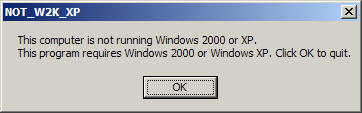
The computer is not a Windows 2000 or XP computer:
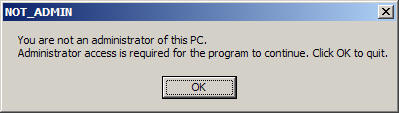
You are not logged in as a user with administrator rights:
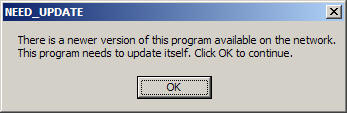
There is a newer version of the Stanford University Office Patcher available
on the network. The program will update itself after you click the OK
button:
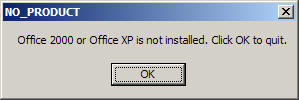
Office 2000 or Office XP is not installed:
PC-Leland and/or PC-AFS are not installed:
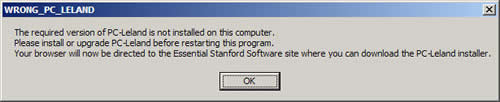
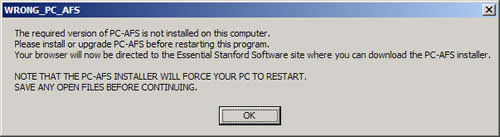
PC-Leland and/or PC-AFS are installed but they are older versions. You
will need to upgrade to the most current versions of the programs before
continuing:
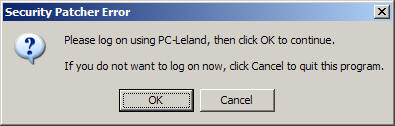
You are not logged on to PC-Leland. If you click OK, the PC-Leland
login window will be displayed, and the program will continue after you have
logged in. If you click Cancel the program will end:
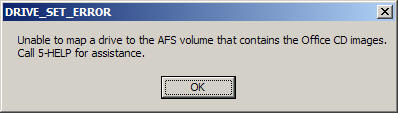
The program was unable to set drives to the appropriate AFS directories.
You will need to contact HelpSU to resolve this problem:
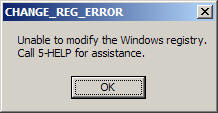
The program was unable to change the computer's source media pointers in the
registry. You will need to contact HelpSU to resolve this problem:
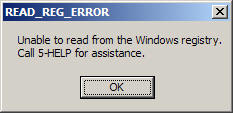
The program was unable to read the computer's source media pointers in the
registry. You will need to contact HelpSU to resolve this problem:
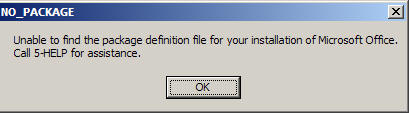
Although you have installed a supported version of Microsoft Office (Office
2000, or Office XP), you have a release that is not supported (not an initial
release of the software). You will need to find the original CDs to patch
your version of Office:
Last modified Monday, 12-Jan-2004 10:16:52 PST
© 2003, Stanford University. All rights reserved.
Comments about this document? Use the HelpSU submission form.
Need computing help? Visit HelpSU or call 5-HELP (650-725-4357).
|
| 


