CS 49 - Creating Websites Using WordPress

Mark Branom, Instructor
branom@alumni.stanford.edu
markbranom@gmail.com
Installing WordPress
Note: neither Stanford University nor Continuing Studies supports or endorses Freezoy in any way. We are simply using them because they are free, and they are one of the few website hosting organizations to allow people to install WordPress instances for free.
- Go to your Freezoy/Byet CPanel:
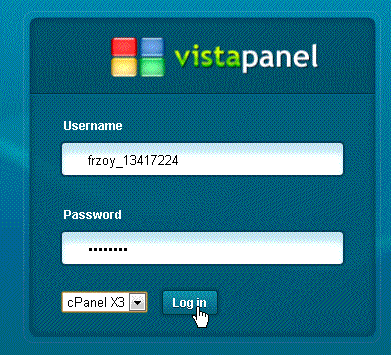
http://panel.byethost.com - Enter your Username and Password and click Log In. (Your username will be something like frzoy_xxxxxxxx.)
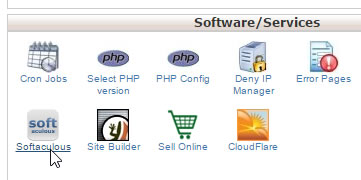
- Towards the bottom, in Software/Services, click Softaculus.
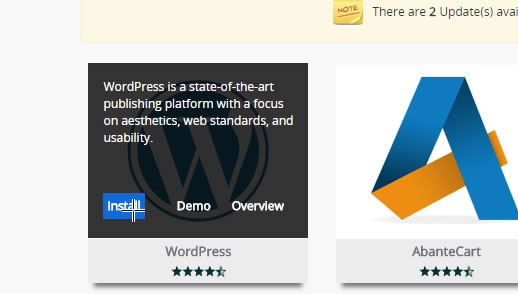
- Click WordPress, and then click Install.
- Leave all the settings to their default settings, and then click Install.

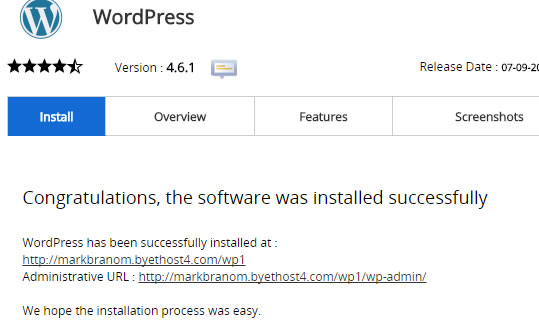
- Write down the information on the screen.
- To visit your new WordPress site, click the link as indicated.