Section #1: Nested Loops and Images
January 17th, 2021
Written by Nick Parlante and Juliette Woodrow
This week in section, your first priority is to meet your section leader and discover what sections in CS106A are all about. Your section leader will therefore spend the first part of this week’s session on introductions and telling you the things you need to know, such as how to sign up for interactive grading. Afterwards, they will move on to cover some of the important material from class in a setting that is small enough for you to go over practice problems and ask questions. This week, your goal is to gain familiarity with nested loops and images.
Image Range-Loop Problems
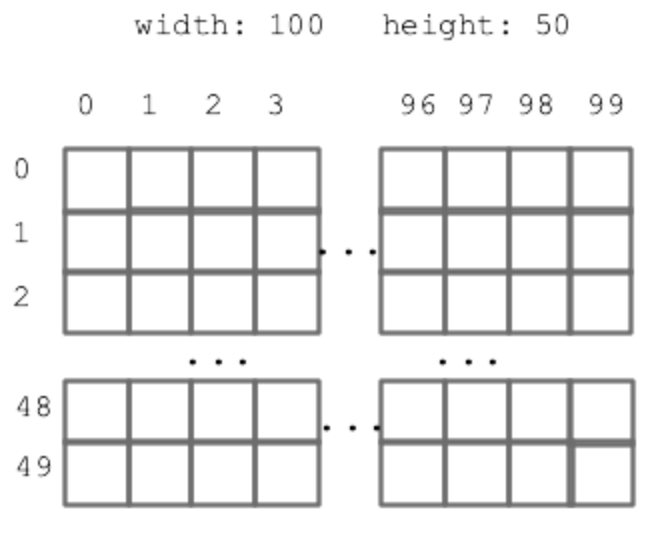
You might find nested y,x range loops helpful in solving these. Problems like this are well suited to making a drawing first to think through the algorithm before coding, and especially to get the arithmetic for each coordinate exactly right. These algorithms are a magnet for off-by-one errors.
A good first step, as in lecture, is to sketch out the pixel grid x,y coordinates as in lecture to plan how your algorithm will access the pixels.
Understanding Nested For Loops
What does this code print?
  for i in range(2):
    for j in range(4):
      print(i, j)
Aqua Bars
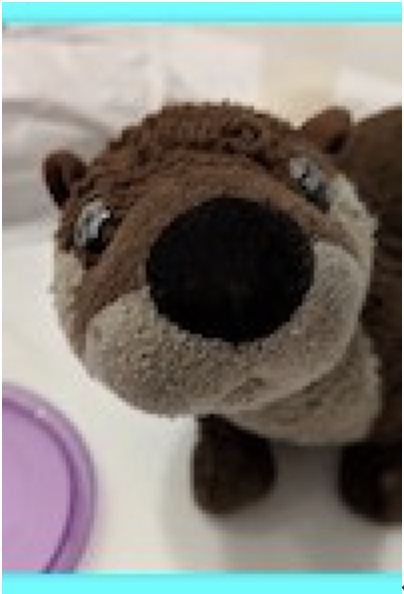
In this problem, your job is to write a function aqua_bars(filename, bar_height)
which takes as input a filename of an image and an integer bar height. In the function,
create a new out image tall enough to hold a copy of the original image, plus extra space
at the top and bottom for horizontal, aqua colored bars. Each bar should have have the
height given in the bar_height parameter. A white pixel can be changed to aqua by setting its
red value to 0. Return the out image when done.
Here is an example run of the function for the image 'yotter-100.jpg' shown below:
Input Image:
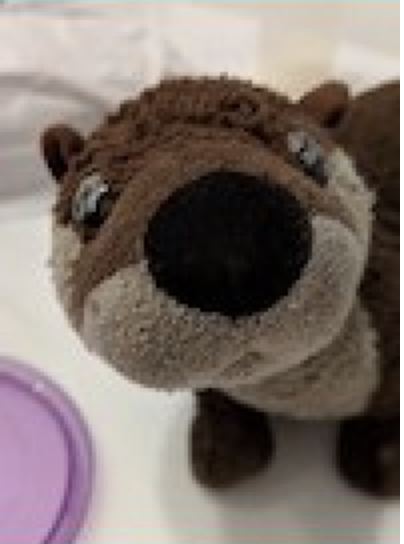
aqua_bars('yotter-100.jpg', 5)
Output Image:
Stack2
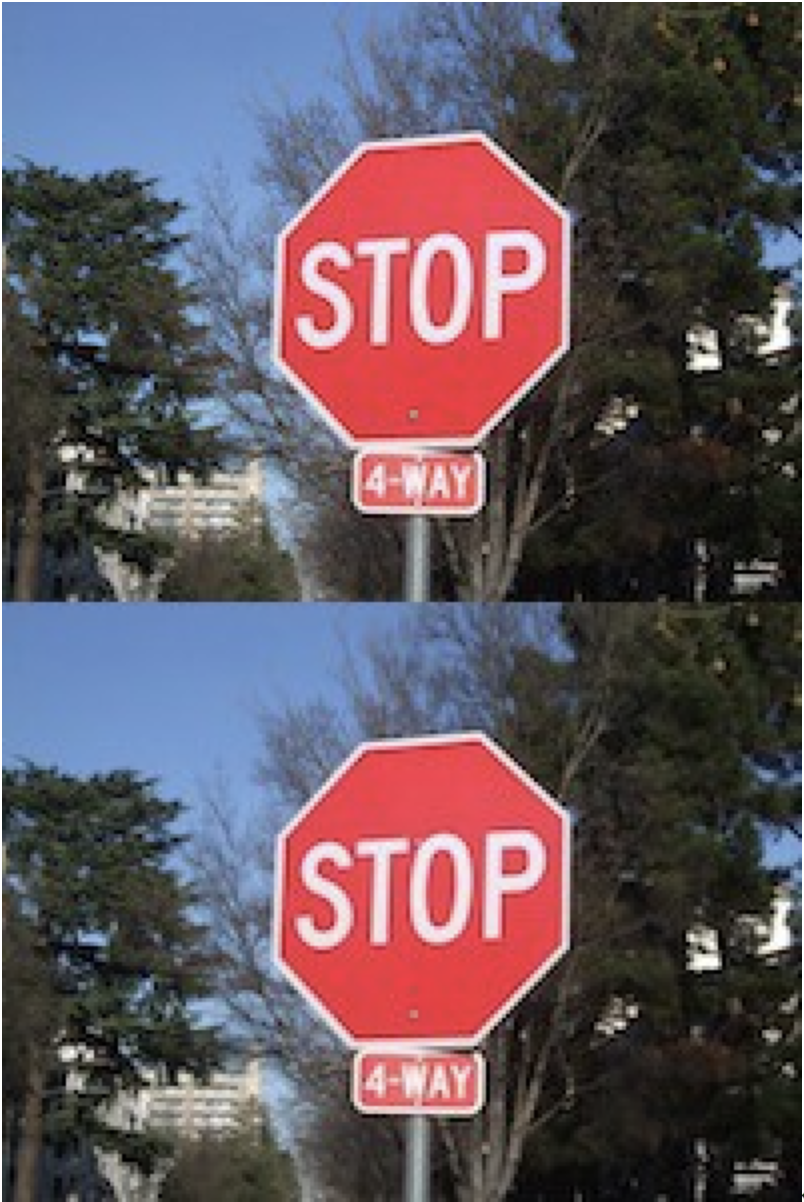
In this problem, you job is to define a function stack2(filename) which
creates a new out image double the height of the original and places two copies of the
original image inside of it, with one on top of the other.
Here is an example run of the function for the image 'stop-200.jpg' shown below:
Input Image:
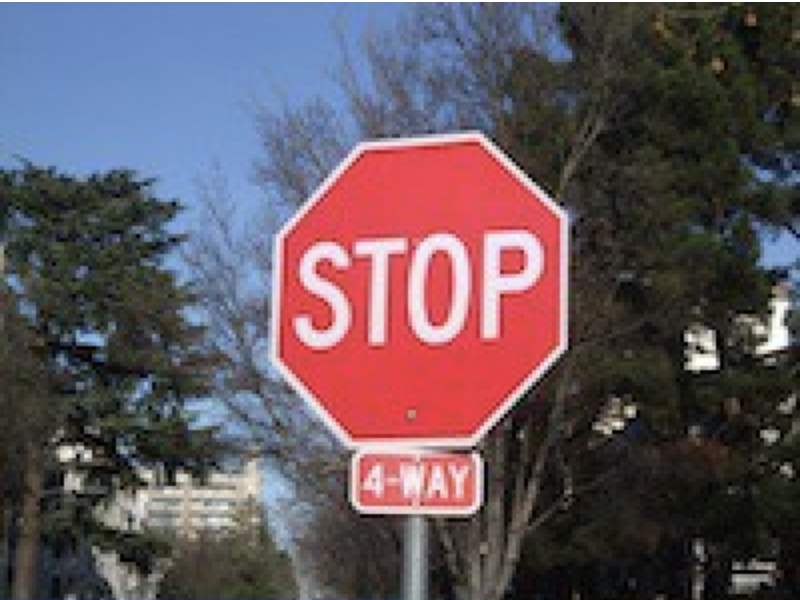
stack2('stop-200.jpg')
Output Image:
Flip
Write a function flip_vertical(filename) that creates and returns a new image which is the
original image flipped vertically but unchaged horizontally.
Here is an example run of the function for the image 'poppy-200.jpg' shown below:
Input Image:
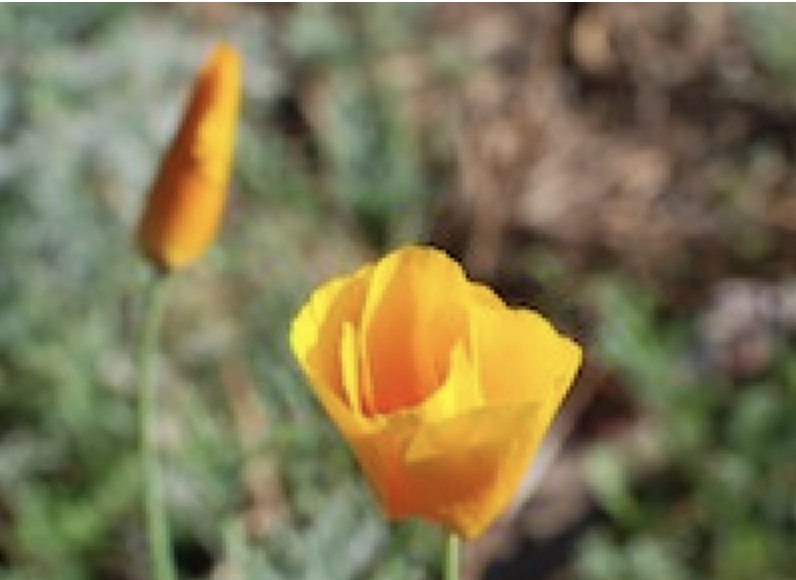
flip_vertical('poppy-200.jpg')
Output Image: